Connect Mino to the AI you already use
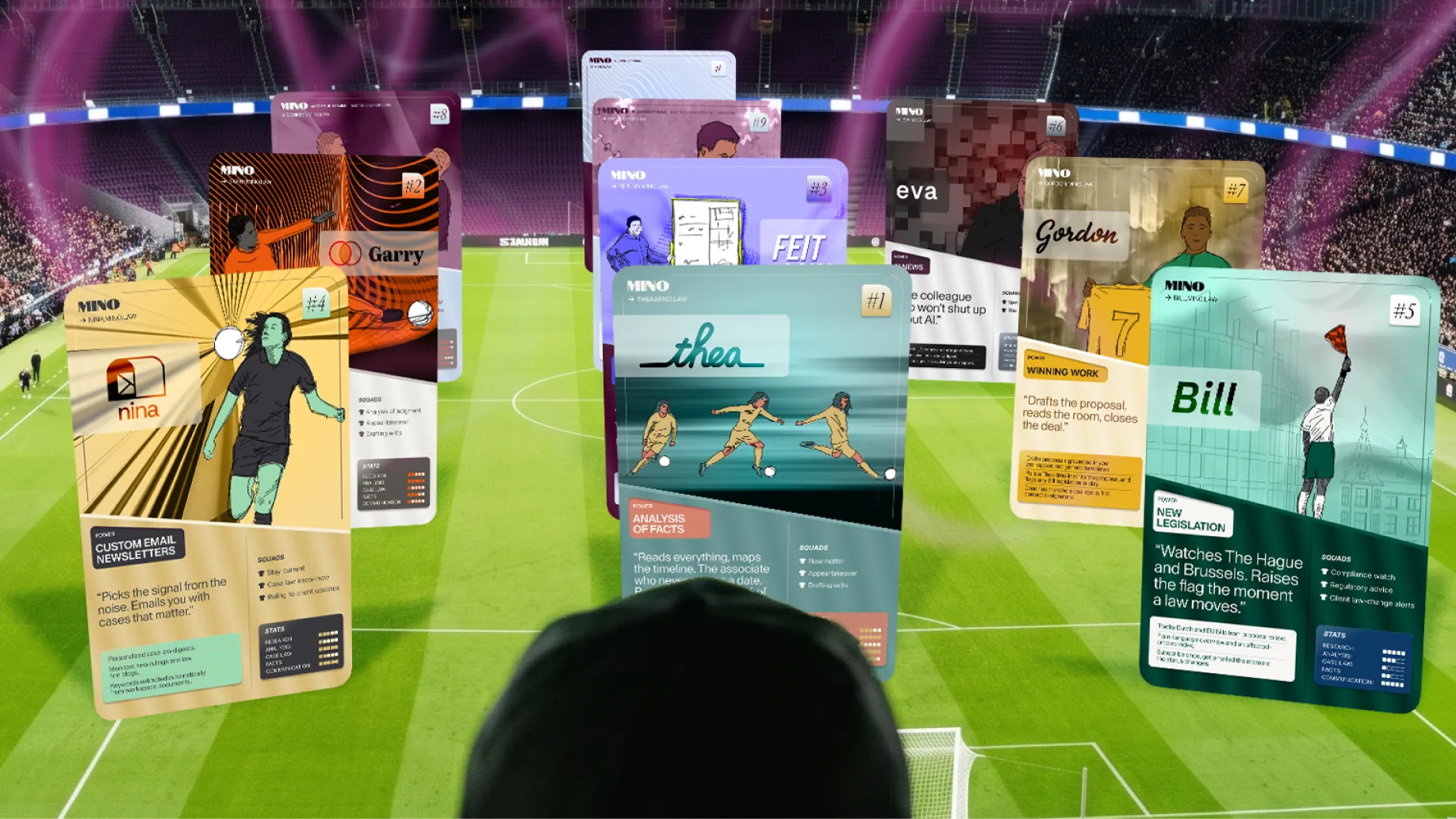
Mino runs an MCP server. Connect it once to the AI you already work in, and your matters are there with you.
Two windows. The matter is open in Mino, the conversation is open in Claude, and you spend the day carrying things between them. Copy the timeline out and lose the sources on the way. Paste the conclusion back in by hand.
That is the whole problem, and it is now solved.
What you get back
Most AI gives you text. You read it, agree with some of it, and then rebuild it into the thing you actually needed: the chronology, the overview, the document you send.
Through the connection you get the thing itself.
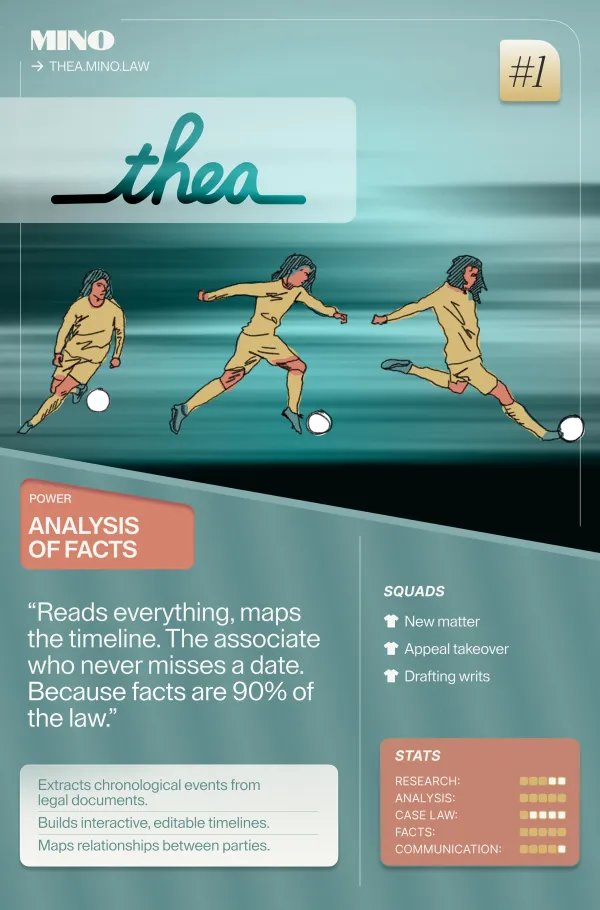
A timeline of the matter, every event linked to the document it came from.
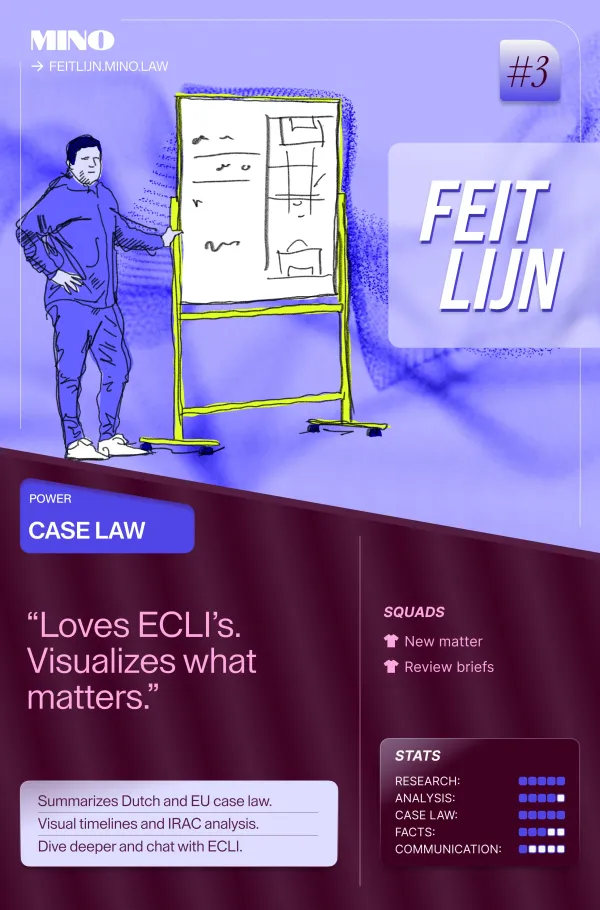
The case law your file relies on, structured and kept together.
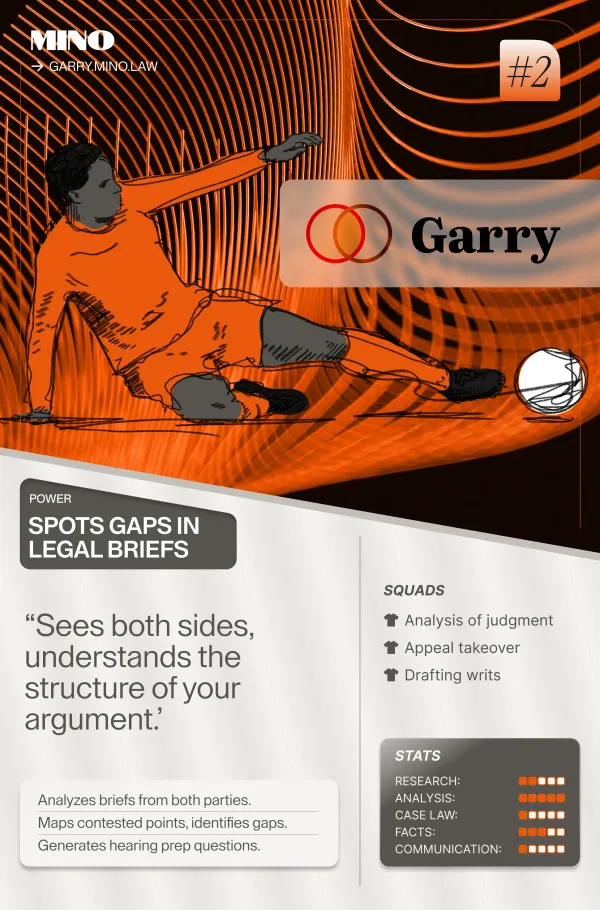
A map of what each side argues, with the gaps marked.
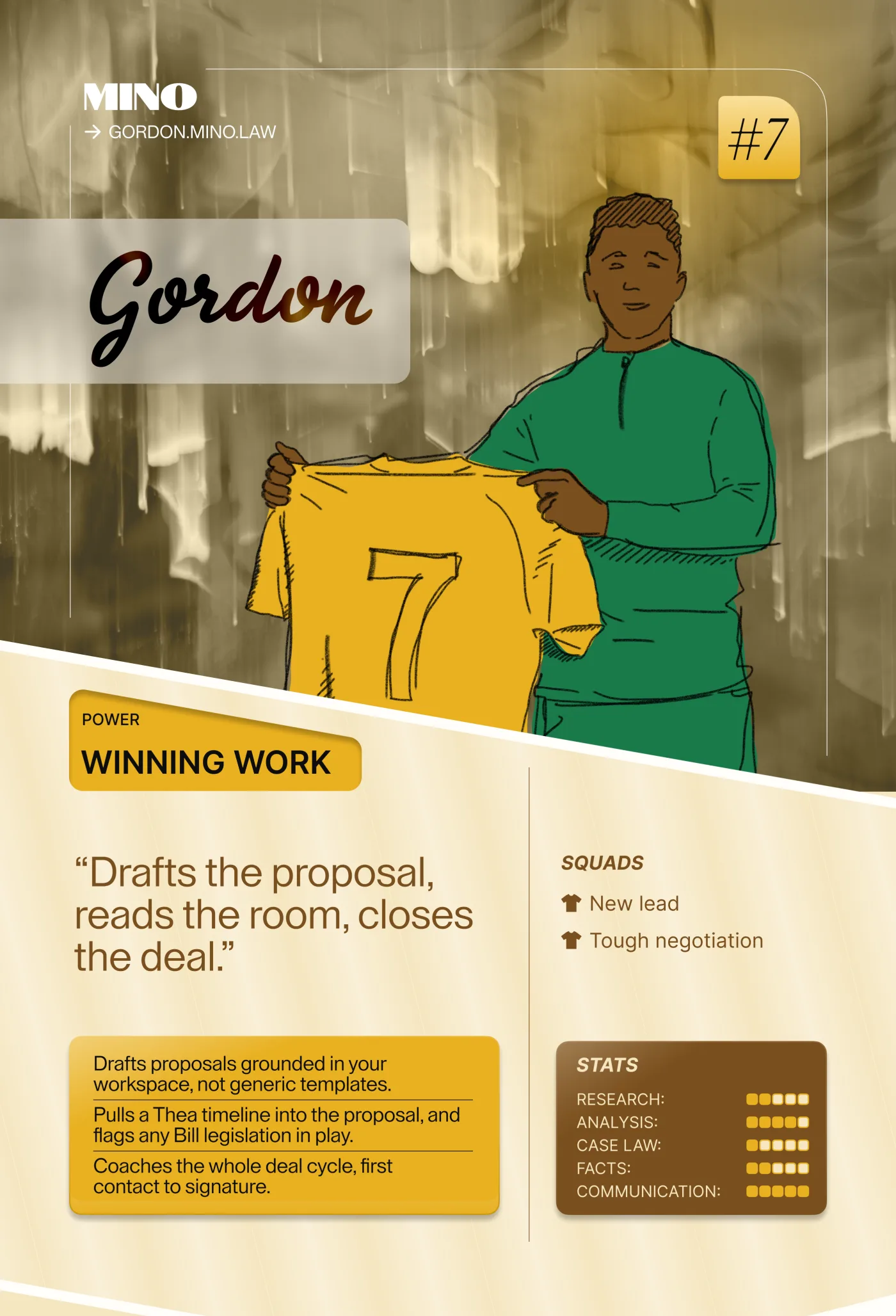
A proposal for the client, ready to go out.
You ask in the conversation you are already in. Ask for a timeline and Thea builds it. What comes back is a deliverable in Mino, open and ready to work with.
Thea gives you the facts
Nothing more. Every event on the timeline, every date, every party, each one traceable to the document it came from.
That is where Thea stops, on purpose. The facts have to be solid before anything is built on them.
You take it from there. Ask your AI to read every event and tell you when the limitation period started running, and on what basis. Then say: “Add that as a marker, and mark the breach period as a range.” When you open Thea, they are there, plotted against the facts, next to the evidence. Yours to keep, move or delete.
The facts come from the documents. The meaning comes from your AI, with you directing it. Both end up in one place.
Case law meets the timeline
The same connection reaches Feitlijn. From the same conversation you search the corpus, open a decision the way Feitlijn structures it (what happened, what each side argued, how the court reasoned), and save it to the matter with a note on why it matters.
And because your AI now sees both, you can combine them. “Find the recent Hoge Raad decisions on the start of the limitation period and check them against our timeline.” The case law gives the test, the timeline gives the dates, and the conclusion goes back on the timeline as a marker with the ECLI in the note.
Thea knows the facts, Feitlijn knows the case law, and neither reads the other. Your AI, with both in view, does.
Safety
- The connection runs on your own Mino login, so your AI sees your matters and nobody else’s.
- Matters you pseudonymised in Mino stay pseudonymised through the connection.
- Documents you bring in are copied into the matter; your original folder is untouched. The connection itself keeps no case data.
Permissions per agent, single-matter scope and revoking a connection: all on mino.law/mcp.
Live now for Mino Pro.
Connect
Setup for Claude Desktop, Claude Code, ChatGPT via Codex, Microsoft 365 Copilot and other clients, plus a block you can paste straight into your AI: mino.law/mcp. Log in with your Mino account when asked. No key to paste, nothing to store.
Maurits Fornier is co-founder of Mino and founder of Patroon Legal Design. He spent five years as a litigator at Freshfields and ten years in legal design and technology. You can follow him on LinkedIn.


