GEO checks the countries in your contract before you sign

On 1 October 2026 the Netherlands Arbitration Institute (NAI) holds its corporate lawyers day in Rotterdam: De bedrijfsjurist aan zet: contracten en risico’s in een nieuwe geopolitieke wereld. Arend Jan Boekestijn gives the keynote on what geopolitical developments mean for businesses. Rieme-Jan Tjittes covers the choice between Dutch and English law. Hilde van der Baan covers preventing and resolving disputes, and claims for performance. I give the third workshop, on how a corporate lawyer can use AI to spot and manage geopolitical risks faster.
The keynote looks at the world. The other workshops look at the contract: which law applies, and which remedy helps you. My workshop sits in between. It asks what is happening in the countries your contract touches, and which clauses that affects. For that workshop we built a tool. It is called GEO, it lives at geo.mino.law, and it stays online after the event. It is free and needs no account.
Why not ask a junior
Keeping track of a country means checking the same public sources again and again: the status of the New York Convention at the UN, the OECD country risk classification, the Dutch travel advice, the EU sanctions map, disaster alerts. Each source has its own website, its own format and its own update rhythm.
You can ask a junior lawyer to do this every week. Most teams do not, so it does not happen. It is routine work with fixed sources. A computer can do it, and tell you when something changes.
What GEO does
There are two ways in.
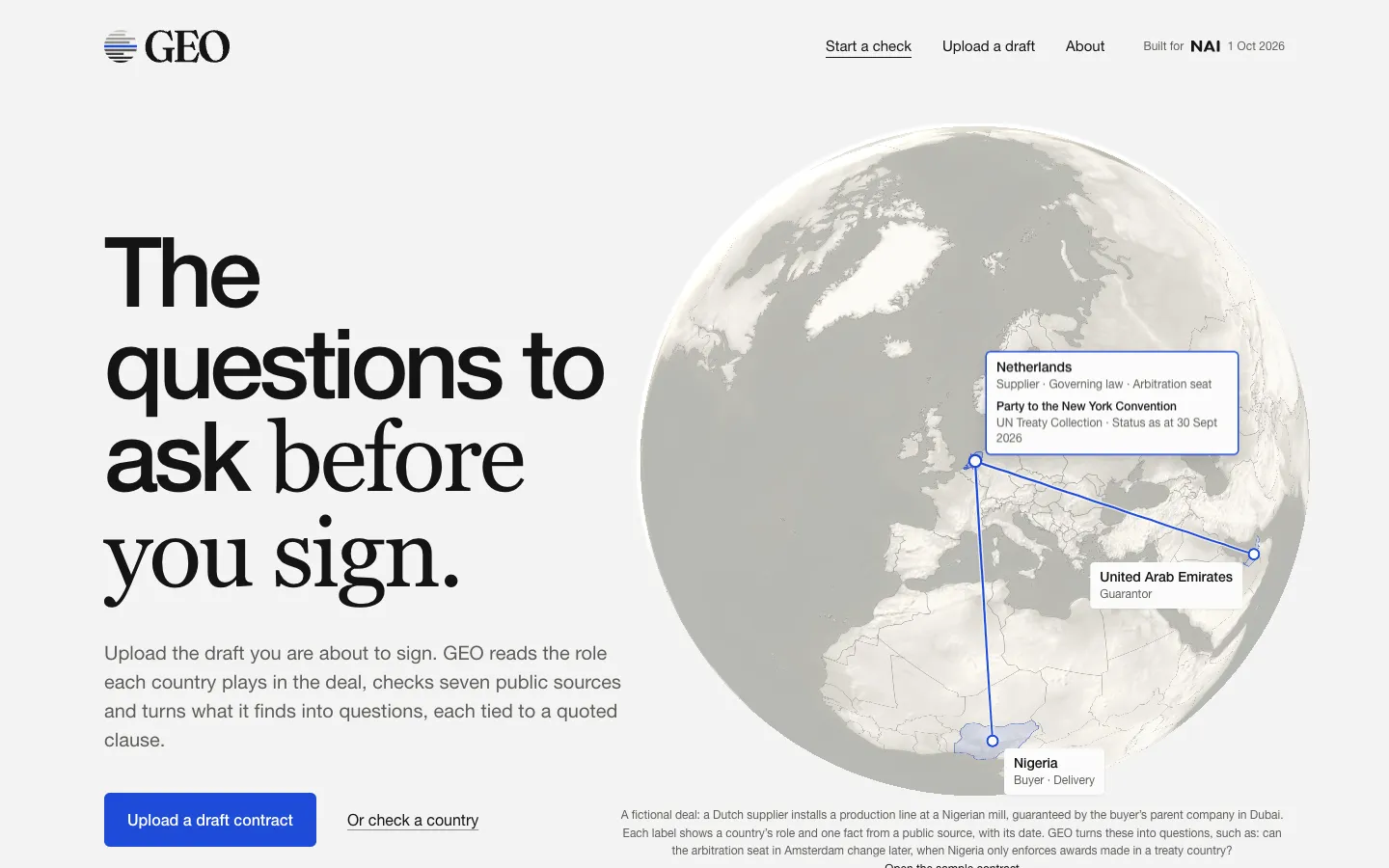
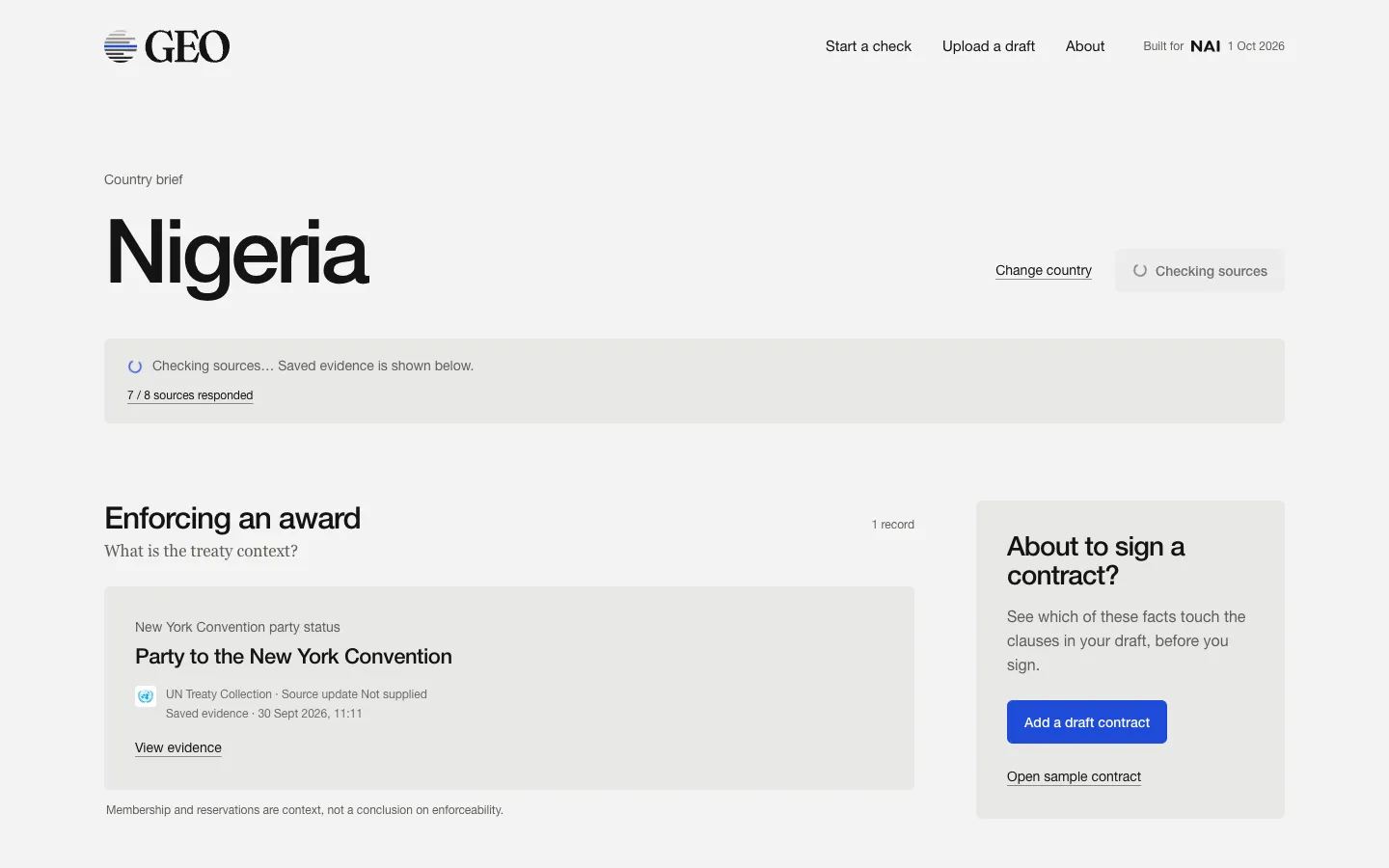
Start with a country. Choose a country and GEO checks the sources on the spot. The facts are sorted under the questions a contract raises: enforcing an award, getting paid, the EU sanctions context, state intervention, and recent developments.
Start with a draft contract. Upload the draft you are about to sign, as PDF, Word or text. GEO reads which countries the contract involves and the role each one plays: buyer, supplier, place of delivery, guarantor, arbitration seat. It checks those countries against the sources. Then it puts one source fact next to one clause, both quoted, and turns that into a question to raise before signing.
An example from the sample contract. The OECD places Nigeria in class 6 of 7. Clause 7.2 says the buyer pays 20% in advance and 80% within 60 days of acceptance, and that no letter of credit is required. The question GEO raises: is the parent guarantee enough for the deferred 80%, or is a letter of credit or export credit insurance still needed?
The seven sources
| Source | Publisher | What it tells you |
|---|---|---|
| Dutch travel advice | Netherlands Worldwide | Travel colour per region and current notices, in the original Dutch |
| New York Convention | UN Treaty Collection | Whether the country is party to the treaty on enforcing arbitral awards |
| Country risk classification | OECD | Export-credit class from 0 to 7, used by export credit agencies |
| Governance indicators | World Bank | Annual scores for rule of law and political stability |
| EU sanctions regimes | EU Sanctions Map | Which EU sanctions regimes name the country. Not a screening of parties |
| Disaster alerts | GDACS (UN and EU) | Earthquakes, floods and storms reported in the last 8 weeks |
| Situation reports | ReliefWeb (UN OCHA) | Reports by UN agencies, governments and large aid organisations in the last 8 weeks |
Every check requests the sources again. What GEO saved earlier is shown as evidence while the new check runs, never as a substitute for it.
Facts, not judgment
GEO organises information. It does not give a legal opinion. Every fact shows its source, the date and a link, so you can check it. Whether a question matters, and what to do about it, is your call.
There is no risk score. Where a source publishes its own classification, such as the OECD class or the colour of the travel advice, GEO shows it as the source states it.
Language models can make things up. GEO limits this by giving the model only the facts it fetched from the sources and the text of your contract. The model must cite the contract passages it relies on. If it cites a passage that does not exist, the analysis is not published. This reduces the risk. It does not remove it, which is why every step can be traced back.
Your contract
Do not upload a confidential contract. GEO is a public prototype, and your company rules probably do not allow it. Use the fictional sample, a public model contract, or an anonymised draft. To anonymise one, pseudo.mino.law replaces the names without AI and gives you a Word file to upload.
The text of an uploaded contract is sent to the language model for analysis. The session expires after 30 minutes, and you can remove it earlier.
The point is not this tool
GEO is a prototype. It was built in a few days, for one workshop. Ten years ago a tool like this would have been a large software project. Today it is small enough to make for one team, one type of contract or one region.
You do not have to build it yourself. You do have to be able to describe it. Your IT team does not know which sources you need. You do. If you can write that down on one page, someone can build it. These are the six headings we use:
- Input. What goes in? A document, a list, an export from a system.
- Sources. What do you check it against? Name them. If you do not know whether there is an API, write “to check”. That is work for IT.
- Logic. What do you compare with what? Which rules are fixed, and where does something need to be read?
- Output. What do you want back? And when do you want to hear nothing?
- Where it lands. A screen, a PDF, Teams, email. Who receives it, and who checks it?
- What it does not do. Where does the legal judgment start? Which data may not go in? Who is responsible for the result?
A tool like this does not need a new AI supplier. Many companies already have a contract with one. The model behind GEO is a setting, and it works with OpenAI, Azure OpenAI, Anthropic and Mistral.
What to take home
- Make a top three. Which tasks in your team are repetitive, follow fixed sources, and add little legal value? Nobody likes doing them, or nobody does them until something goes wrong. Pick three, describe each on one page, and bring them to your next budget talk.
- Find the role. You need someone in or next to your team who can turn such a page into a working tool: legal operations, legal engineering. These roles are growing.
- Ask your vendors. With the six headings you can ask any vendor what their tool does under the hood: which sources, which logic, where the judgment stays with you.
GEO joins OSCOLA Generator and SchikkingsDigest on the Mino homepage, as the third tool to come out of one of our workshops. Try it at geo.mino.law. If you want a workshop like this for your own team, see what we offer.


